Only R4 or R5 of the alliance can set up and activate the Cheese Trap, and only once the alliance has more than 20 members. To set it up, go to the “Special event” tab and select “Cheese Trap”.
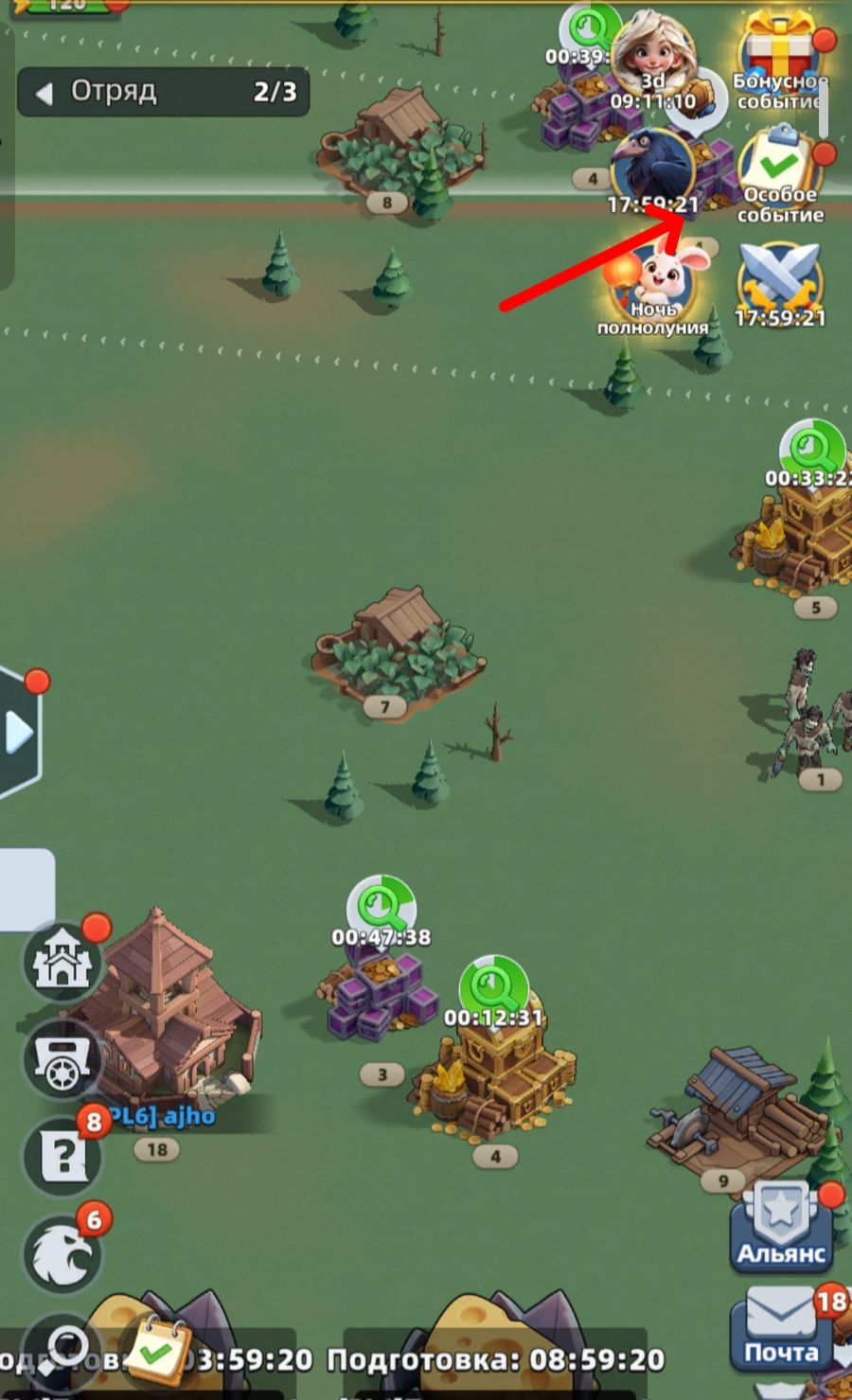
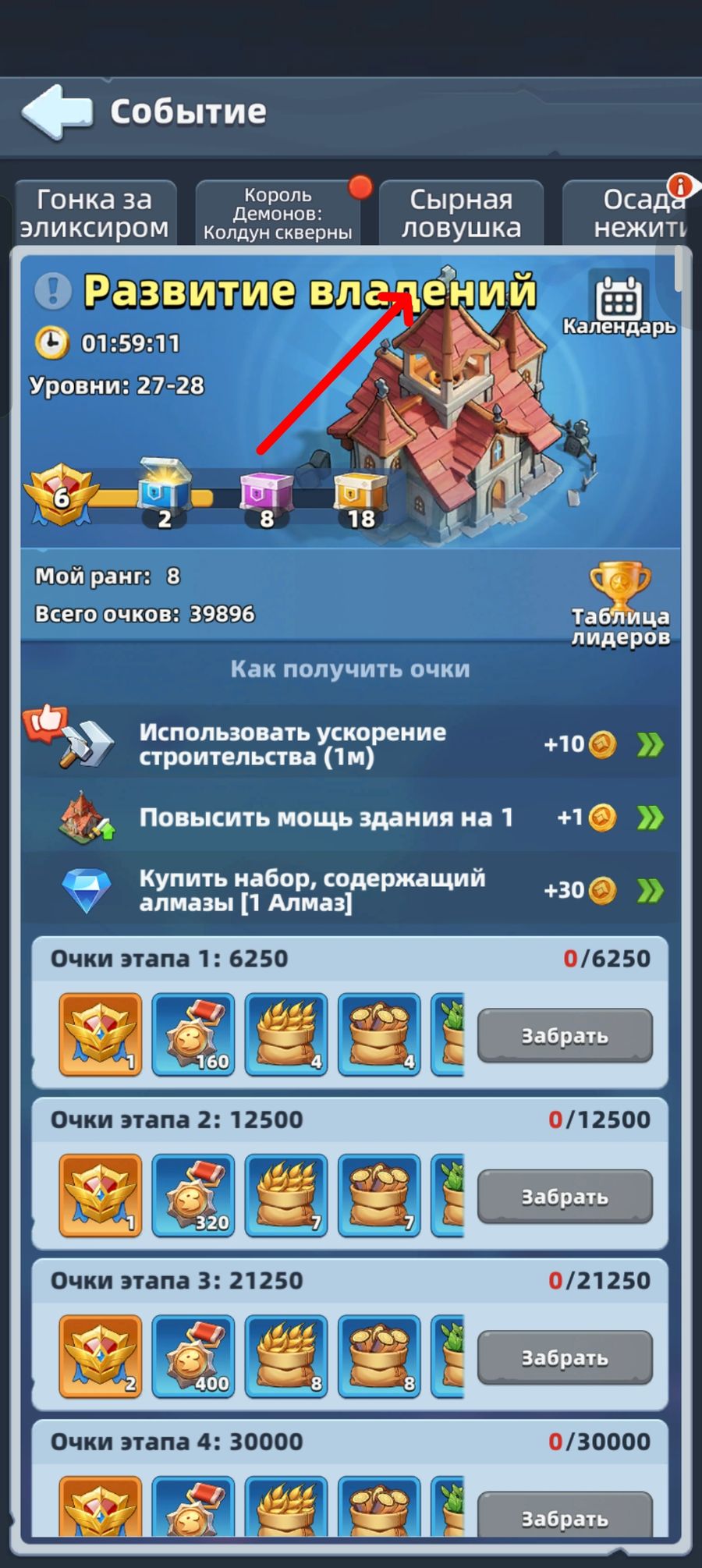
You’ll be asked to choose a time and difficulty level (note: server time is selected by default).
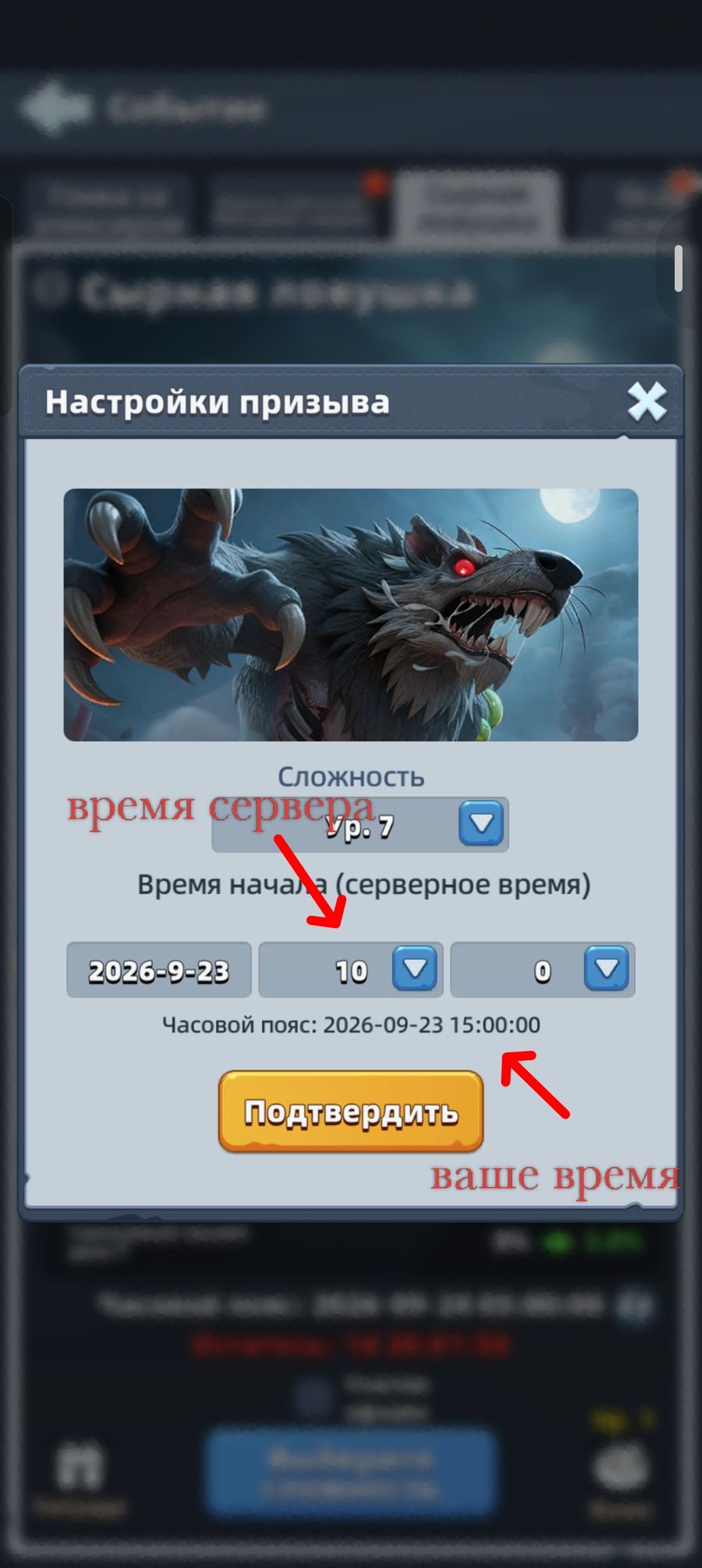
Only the first difficulty level is available the first time you set the trap; each next level unlocks after clearing the previous one. It’s worth setting a harder level once about 50% of participants are hitting their personal reward cap.
The game lets you set two traps at once — then the event runs every other day. The second trap is set the same way. It’s worth spacing the two traps out in time (for different time zones and participants’ schedules, say morning and evening), or aiming for peak player online time.
You can move the trap before it’s activated (handy if the alliance relocates). With two traps set at once, moving is only possible if neither has been activated yet — once the first is activated, the second can no longer be moved.
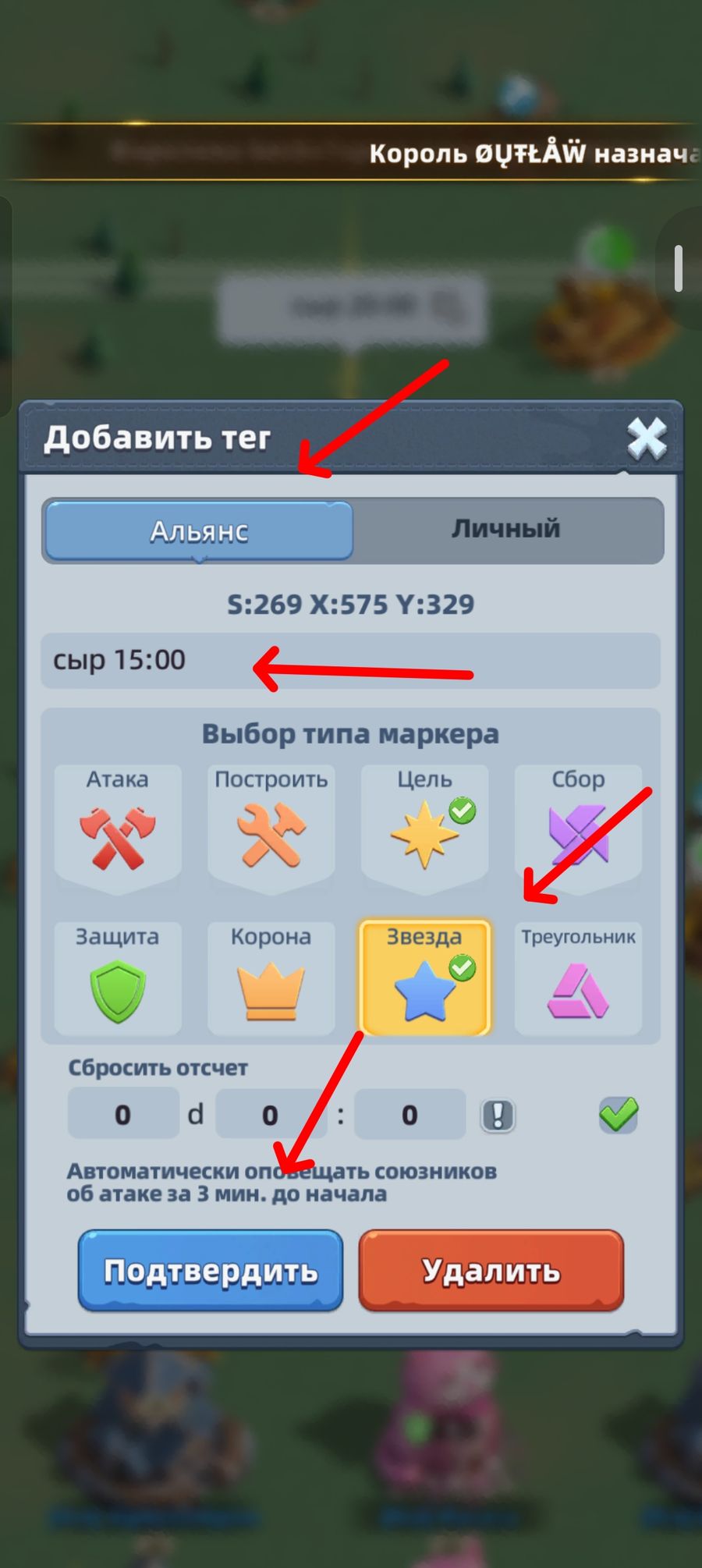
Once the trap is set, it’s a good idea to mark it so other alliance members can find it more easily. Tap the trap, then the marker icon at the top, choose a type and label the marker.
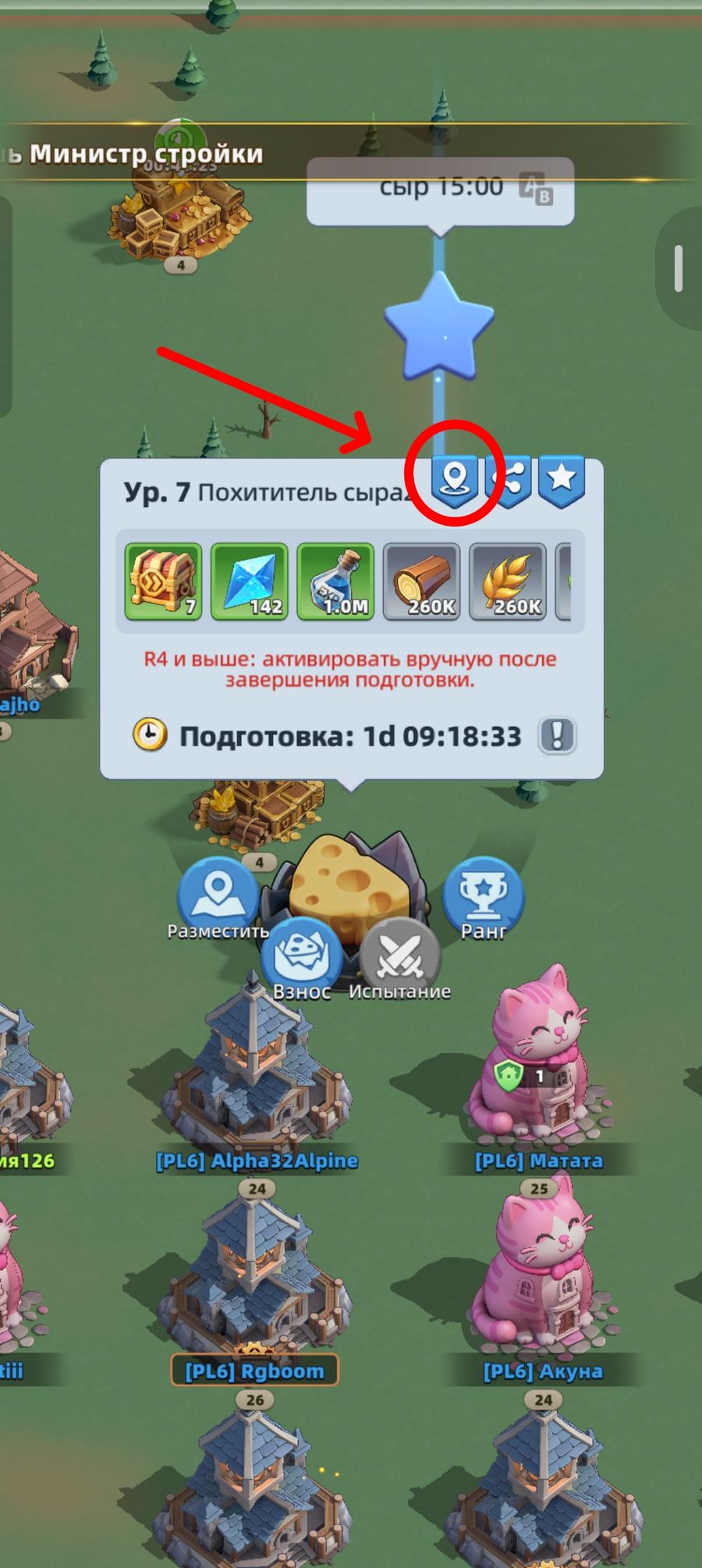
If you get the time wrong when setting up the trap, don’t worry — after the preparation phase ends you still have a few hours left to activate it.